 Winbake
Bake a Windows USB on your Mac.
Pick an ISO. Pick a USB. Hold to bake. Native macOS app — no Boot Camp, no Terminal.
 Winbake
Pick an ISO. Pick a USB. Hold to bake. Native macOS app — no Boot Camp, no Terminal.
Sooner or later a Mac user needs to install Windows on a PC — a family laptop, a dev box, a gaming build. The accepted way to do it is to boot from a USB stick. Getting that stick made on a Mac is unreasonably annoying.
Windows-only.
It's the tool that actually works — produces a USB Windows Setup is happy with. But it only runs on Windows, which is the whole problem you were trying to solve.
Hit or miss.
Flashes ISOs fine, but Windows installer ISOs are a special
case: UEFI boot, GPT layout, an install.wim that
often exceeds FAT32's 4 GB file limit. Generic flashers
miss one of those and you end up at a black screen on boot.
dd in TerminalOne typo from wiping your Mac.
Works if you get every flag right. Nobody wants to memorize
hdiutil, diskutil,
wimlib-imagex split, and pray they didn't mix up
/dev/disk2 with /dev/disk0.
Just works.
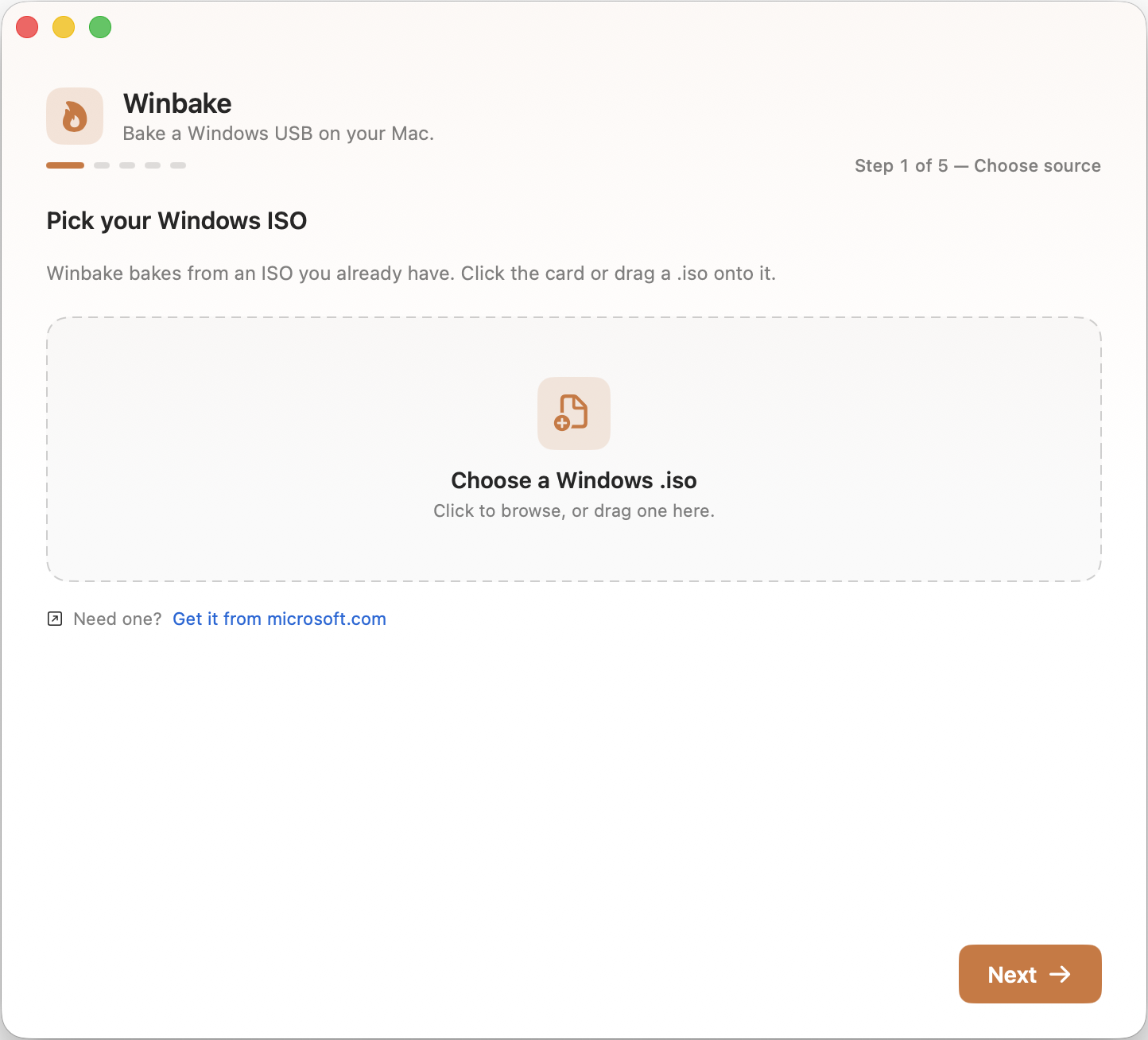
Drop in the ISO. Pick the USB. Hold to bake. Winbake does the
partitioning, formatting, copy, and install.wim
split for you — and the boot disk is never even in the list.
Drop in any Windows 10 or 11 installer ISO — bring your own from Microsoft.
Winbake lists only removable drives. Your boot disk is never in the list.
A 3-second press-and-hold guards against accidents. Winbake partitions, formats, and copies.
Plug in, boot from USB, install Windows. GPT + FAT32, UEFI-ready out of the box.
SwiftUI. No Electron, no Java, no Boot Camp Assistant. <5 MB download.
Boot disk filtered. Target drive named back to you. 3-second hold confirm before writing.
Developer ID signed, notarized by Apple. Opens cleanly on every Mac running macOS 13+.
FAT32 caps files at 4 GB. Winbake automatically splits install.wim with wimlib.
MIT licensed. Auditable privileged helper. No telemetry, no account, no upsell.
Universal binary. Native on M-series and Intel.
Winbake stays free and open source. If it saved you an afternoon of fighting
with dd, you can fuel further development here: